


HVACR
HVAC/R Drive Solutions
Energy efficient solutions for VFD control in any HVAC/R application
  • Overview
  • Specifications
  • Downloads
{2DE0F19C-1A1F-4227-A6E3-3E6578F2FF1E}
{55F413DC-D734-463C-955C-24FF9714EEA9}

VFD solutions for heating, ventilation, air conditioning

HVAC is responsible for more than 30% of all electricity consumed in industrial and commercial sectors, with the motors that drive compressors, pumps and fans accounting for more than 98% of that energy. Variable Speed Drives when applied to these motors can provide energy savings of up to 60% while also enhancing system operation and comfort.

As a global company, we are well placed to help building owners, consultants, contractors and OEMs to maximize equipment efficiency and to keep pace with legislation and technology.
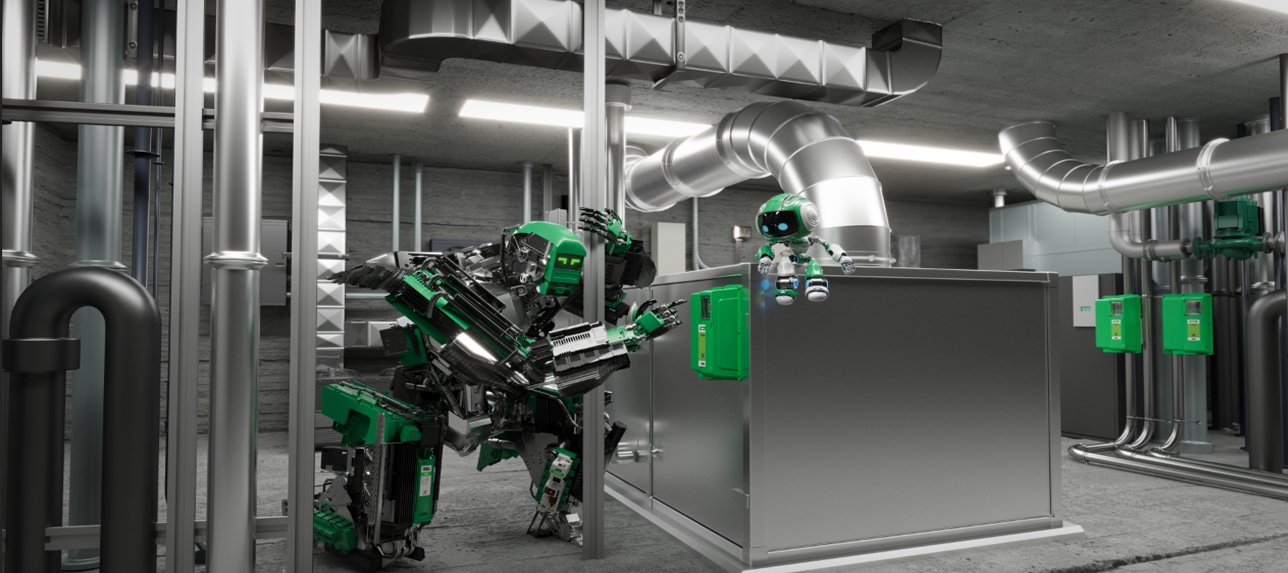
 

HVAC/R Applications and related product solutions

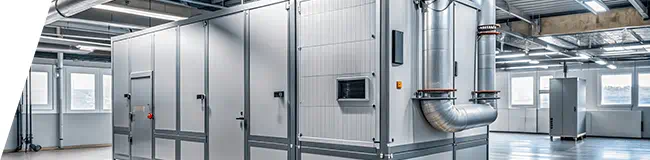
  Commercial and Residential Air Handling

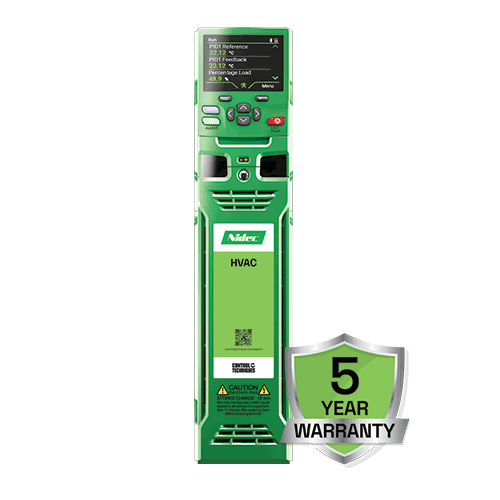
Industry leading, high performance VFDs from 1 to 4,200 horsepower in panel mount and high IP variants.  Combined with onboard BACnet communications and standard HVAC control features make the H300 HVAC Drive the right fit for fans. 

Commercial Roof Top Unit (RTU) Efficiency Control

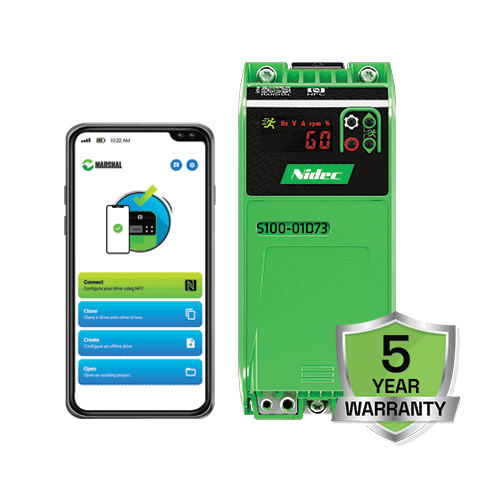
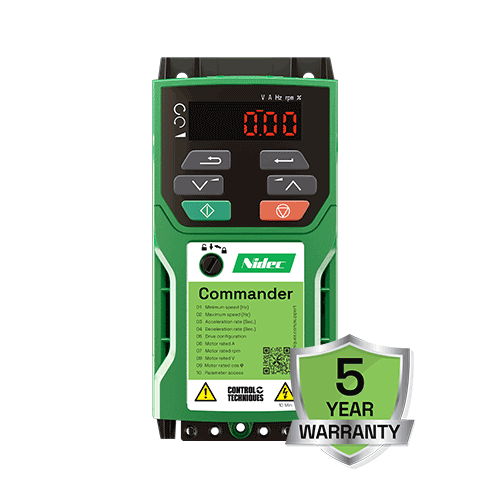
Comprehensive selection of general purpose VFDs for integration into Roof Top Unit (RTU) control to maximize efficiency and simplify control.  Compact size with simple setup and diagnostics along with a FREE 5-year warranty put you in control with Commander C200 or Commander S100 VFDs.

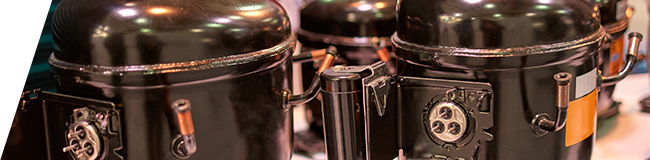
Compressor Control for Refrigeration

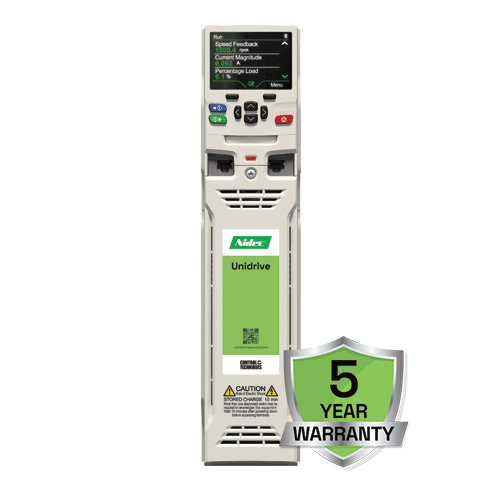
Permanent Magnet (PMAC) and Induction motor control for multiple compressor styles and designs to bring life to cooling applications.  Get your compressor running quickly and efficiently with Unidrive M600 or Commander C200.


Custom Integrated OEM Drive Solutions

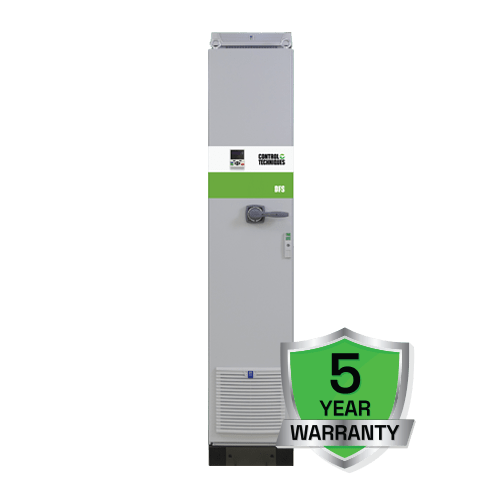
We build custom drives for hundreds of applications, and can work with you to design exactly what your HVAC equipment needs, with low minimum order quantities.  Get start building your own drive for your application today using our Build A Drive configurator.


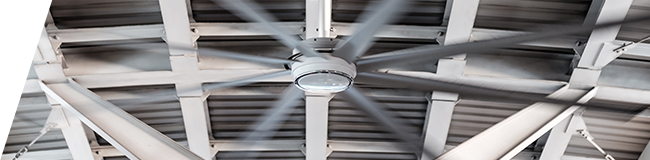
HVLS Fan Control
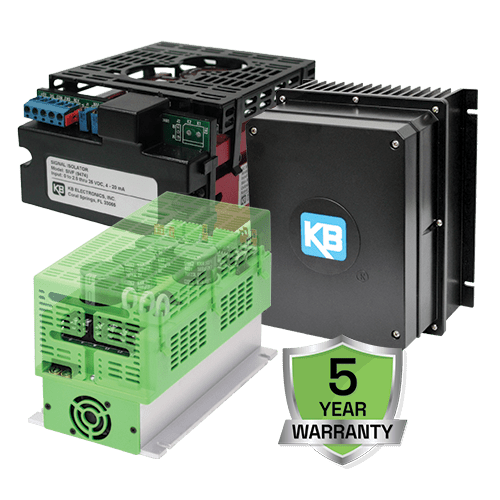
Moving a lot of air with your equipment through a HVLS (High Volume Low Speed) fan?  Partner with Nidec Drives using the KBVF PMAC Drive to get control of your HVLS fan application and keep your facilities cool.
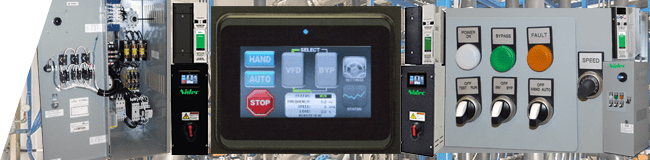
Commercial HVAC Bypass

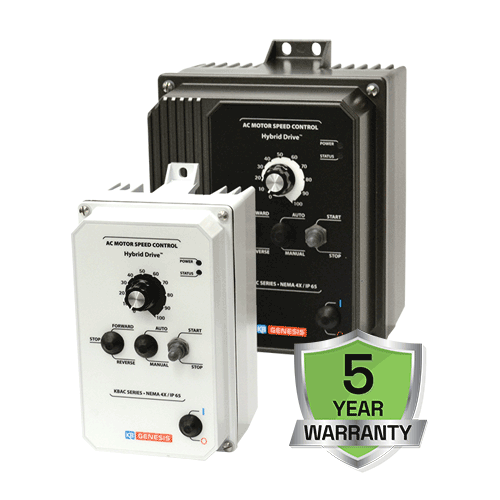
HVAC bypass packages up to 75 HP with HMI for powerful setup and diagnostics for any operator, or with enhance keypad for simple, economical access.  Stock options available for quick shipment, all based on the H300 HVAC Drive to integrate directly into any HVAC system.

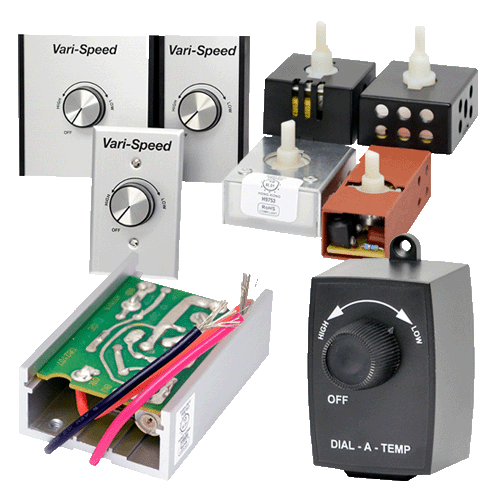
Triac Fan Control
Nidec Drives’ off-the-shelf distributor style fan speed controls cover the most popular voltages and current ranges for Triac control applications. Triac Fan Controls are available as embedded chassis, stand-along wall mount, and internal panel mounted controls.


Designed for commissioning, optimizing, and monitoring drive performance, our Connect PC tool is the result of extensive user research and human-centered design principles, ensuring a superior user experience.

Features include:

  • Search for and connect to drives via Ethernet, Serial or Bluetooth (no need for EoE setup when using TwinCAT).   
  • Automatic drive discovery gets you up and running in the shortest possible time.
  • Step-by-step guidance for quickly configuring the drive to suit your motor and application.
    • Simply select a motor from a dropdown menu.
    • Easily take control and run test profiles on your axis from within the Connect environment.
    • Use simple tools to optimize the performance of your application.
      • When tuning, all the controls needed are available on a single screen, including the integrated scope and motion controls with intuitive gain controls.
      • Connect provides excellent visualization of system statistics and drive performance (scope).
    • The terminal layout viewer shows graphically how the drive’s I/O is configured.
    • Advanced software features allow high end consistent performance of your servo axis at the click of a mouse.
  • An enhanced help feature guides the user towards successful system set-up.
  • Dynamic drive logic diagrams and searchable listings provide clarity during commissioning and fault-finding processes.
  • Easy backup and restoration of drive parameter sets.
 

Latest features at a glance

  • Guided setup
  • ADS comms
  • Integrated scope
  • CAN object viewer
  • Terminal view
  • Visual layout
  • EtherCAT start-up list file generation
 

Designed for commissioning, optimizing, and monitoring drive performance, our Connect PC tool is the result of extensive user research and human-centered design principles, ensuring a superior user experience.

Features include:

  • Search for and connect to drives via Ethernet, Serial or Bluetooth (no need for EoE setup when using TwinCAT).   
  • Automatic drive discovery gets you up and running in the shortest possible time.
  • Step-by-step guidance for quickly configuring the drive to suit your motor and application.
    • Simply select a motor from a dropdown menu.
    • Easily take control and run test profiles on your axis from within the Connect environment.
    • Use simple tools to optimize the performance of your application.
      • When tuning, all the controls needed are available on a single screen, including the integrated scope and motion controls with intuitive gain controls.
      • Connect provides excellent visualization of system statistics and drive performance (scope).
    • The terminal layout viewer shows graphically how the drive’s I/O is configured.
    • Advanced software features allow high end consistent performance of your servo axis at the click of a mouse.
  • An enhanced help feature guides the user towards successful system set-up.
  • Dynamic drive logic diagrams and searchable listings provide clarity during commissioning and fault-finding processes.
  • Easy backup and restoration of drive parameter sets.
 

Latest features at a glance

  • Guided setup
  • ADS comms
  • Integrated scope
  • CAN object viewer
  • Terminal view
  • Visual layout
  • EtherCAT start-up list file generation
 

System requirements:

  • Windows 7 SP1
  • Windows 8

Getting Started - Installation

Install Connect on Microsoft Windows (7 or later) by running the installation program provided. Your computer will need to have Microsoft .Net 4 installed too - in the unlikely event it hasn't the installer will download it from the internet, or you can obtain it directly from here. Note that installation may take some time, but please be patient.

Installation notes:

  • Any previously installed version of Connect will be upgraded during the installation. Normally, there is no need to uninstall the older version.
  • The installation can take quite some time to complete.
  • Recommended system requirements for installation:
    • Operating system: Windows 7 with SP1, Windows 8/8.1 or Windows 10 (32-bit or 64-bit).
    • Disk space: 2GB or more free.

3D CAD Models


Advanced User Guides


Approvals & Certification


Brochures


Case Studies


Control Getting Started Guides


Control Quick Start Guide


Control User Guides


Datasheets


Declaration


Flyers


Getting Started Guides


Installation Guides


Installation Sheets


Library


Manuals


Motors Datasheets


Option Module User Guides


Power Installation Guides


Product Catalog


Quick Start Guides


Regen Design Guides


Set Up Guides


Short Form Guides


Software, Drawings and Other Technical Downloads


Step By Step Guides


User Guides


Videos


White Papers